Over one billion people worldwide live with some form of disability. When digital products are not accessible, these users are excluded from services that others take for granted. Designing for accessibility is both a moral imperative and a business opportunity.
Understanding Web Accessibility
Web accessibility means that websites, tools, and technologies are designed so that people with disabilities can use them. This includes people with visual, auditory, physical, speech, cognitive, and neurological disabilities.
The Web Content Accessibility Guidelines (WCAG) provide the international standard for web accessibility, organized around four principles:
1. Perceivable
Information must be presentable in ways all users can perceive:
- Provide text alternatives for images
- Offer captions for video content
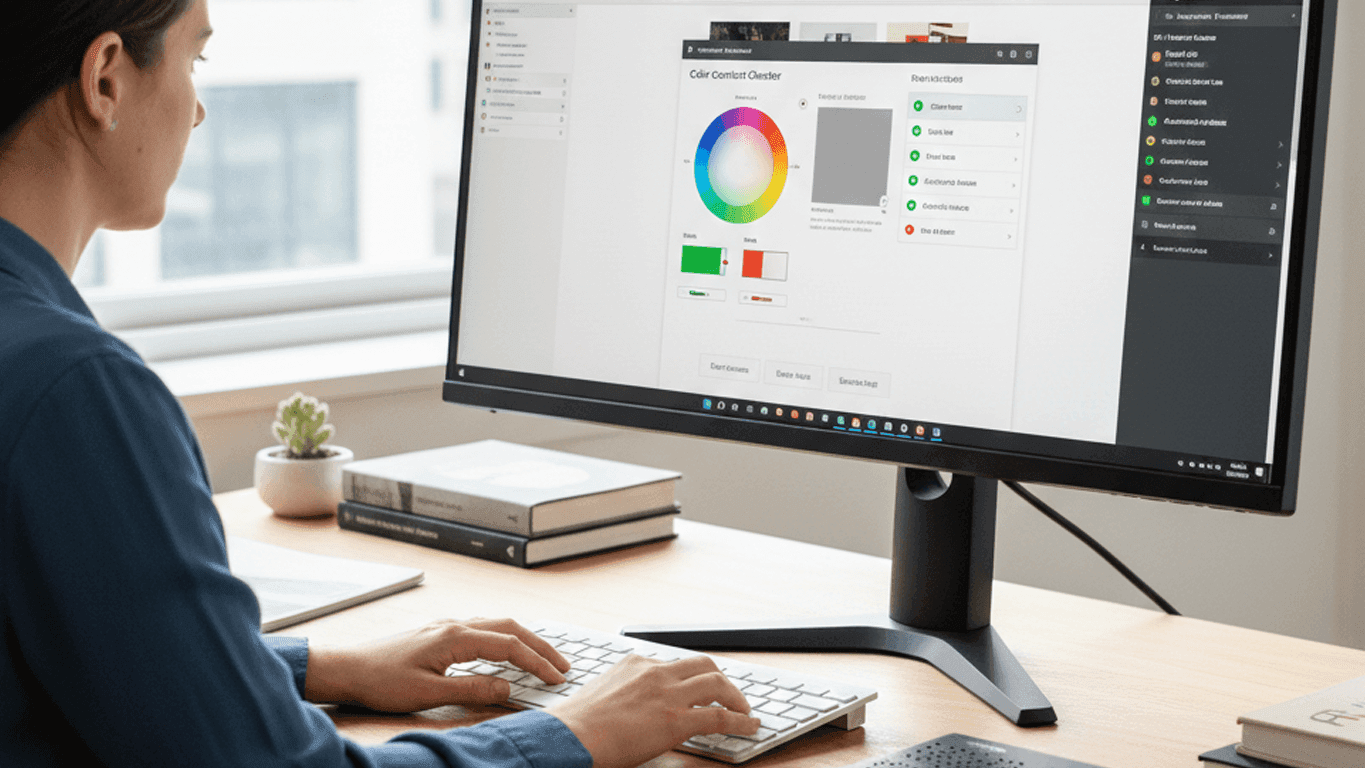
- Ensure sufficient color contrast (4.5:1 for normal text)
- Do not rely on color alone to convey information
2. Operable
Interface components must be operable by all users:
- All functionality must be available via keyboard
- Provide enough time for users to read and interact
- Do not design content that causes seizures
- Help users navigate and find content
3. Understandable
Content must be understandable:
- Use clear, simple language
- Make pages operate in predictable ways
- Help users avoid and correct mistakes
- Provide clear form labels and instructions
4. Robust
Content must be robust enough for diverse technologies:
- Use valid, semantic HTML
- Ensure compatibility with assistive technologies
- Use ARIA landmarks and roles appropriately
The Business Case
Accessibility is not just compliance — it drives business results:
- Larger audience — 15% of the global population has a disability
- SEO benefits — Accessible sites tend to rank better in search engines
- Legal protection — Accessibility lawsuits are increasing globally
- Better UX for everyone — Accessible features like captions and keyboard navigation benefit all users
Practical Steps
- Start with semantic HTML — Use proper heading hierarchy, landmark regions, and form labels
- Test with keyboard — Navigate your entire application without a mouse
- Check color contrast — Use tools like the WebAIM contrast checker
- Add alt text to images — Descriptive text for meaningful images, empty alt for decorative ones
- Test with screen readers — Use NVDA (Windows) or VoiceOver (Mac) to experience your site
- Automate testing — Use axe, Lighthouse, or pa11y in your CI/CD pipeline
Accessibility is not a feature to be added at the end — it is a quality that must be built in from the start. The earlier you integrate accessibility into your design and development process, the more natural and cost-effective it becomes.