Traditional CMS platforms like WordPress couple content management with content presentation. A headless CMS decouples these concerns, providing content through APIs that any frontend can consume. This architectural shift is transforming how organizations manage and deliver digital content.
Traditional vs Headless CMS
Traditional CMS
Content is created, stored, and rendered within the same system. Templates control how content appears. The backend and frontend are tightly coupled.
Headless CMS
Content is created and stored in the CMS, then delivered via APIs (REST or GraphQL). The frontend is completely separate — a React app, a mobile app, a digital kiosk, or all three simultaneously.
Why Go Headless?
Omnichannel Content Delivery
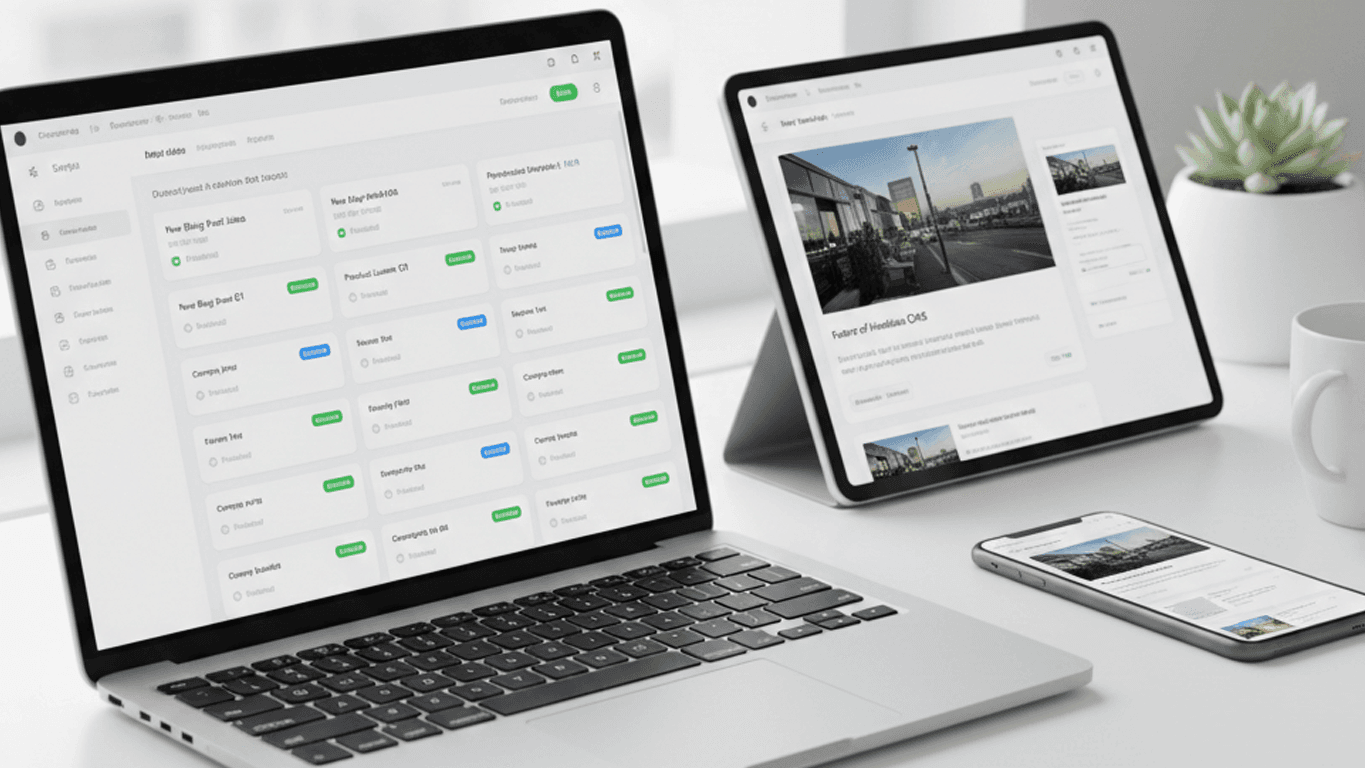
Create content once, deliver it everywhere. The same product description can appear on your website, mobile app, in-store display, and smartwatch — all consuming the same API.
Frontend Freedom
Developers choose the best tools for the frontend without being constrained by CMS templates. Use React, Vue.js, Nuxt.js, or any technology that fits your needs.
Better Performance
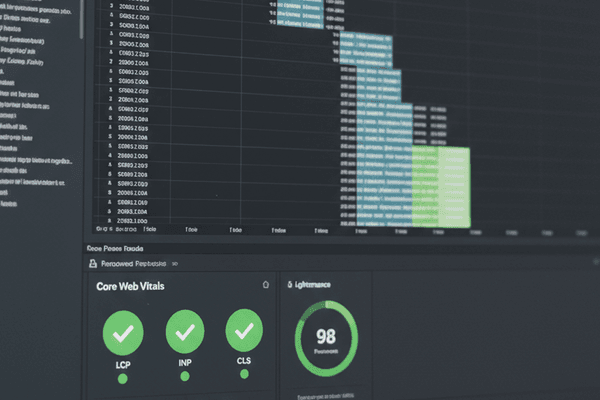
Static site generators paired with headless CMS create pre-rendered pages that load instantly. No server-side processing on every request.
Enhanced Security
With no public-facing admin panel or database, the attack surface is dramatically reduced compared to traditional CMS installations.
Popular Headless CMS Options
| CMS | Type | Best For |
|---|---|---|
| Strapi | Open source, self-hosted | Full control, customizable |
| Contentful | SaaS | Enterprise scale, rich ecosystem |
| Sanity | SaaS | Real-time collaboration, flexible schemas |
| Directus | Open source | Database-first approach |
| Prismic | SaaS | Marketing teams, slice-based content |
Making the Transition
Moving from a traditional CMS to a headless architecture requires planning:
- Audit your content model — Define content types, relationships, and fields
- Choose your CMS — Evaluate based on team needs, budget, and technical requirements
- Plan your frontend — Select the technology stack for content delivery
- Migrate content — Export from your existing CMS and import into the new system
- Train your team — Content editors need to understand the new workflow
The headless CMS approach is not right for every project. Simple blogs and brochure sites may not benefit from the added complexity. But for organizations managing content across multiple channels, the headless approach delivers unmatched flexibility and performance.